
You already have a job to run. Somewhere along the way you also picked up a piece of software to run it with: ServiceTitan, Jobber, or Housecall Pro. Most owners choose one of these for the same reason, to get scheduling, invoicing, and dispatch out of a notebook and onto a screen. And once it is in, nobody wants to go through that setup twice.
What rarely gets asked up front is simpler, and more expensive to get wrong later: once a customer finds your website, does your software actually catch that lead, or does it just sit there waiting for someone to type the details in by hand, hours after the customer already called your competitor instead?
What each one is actually built to do
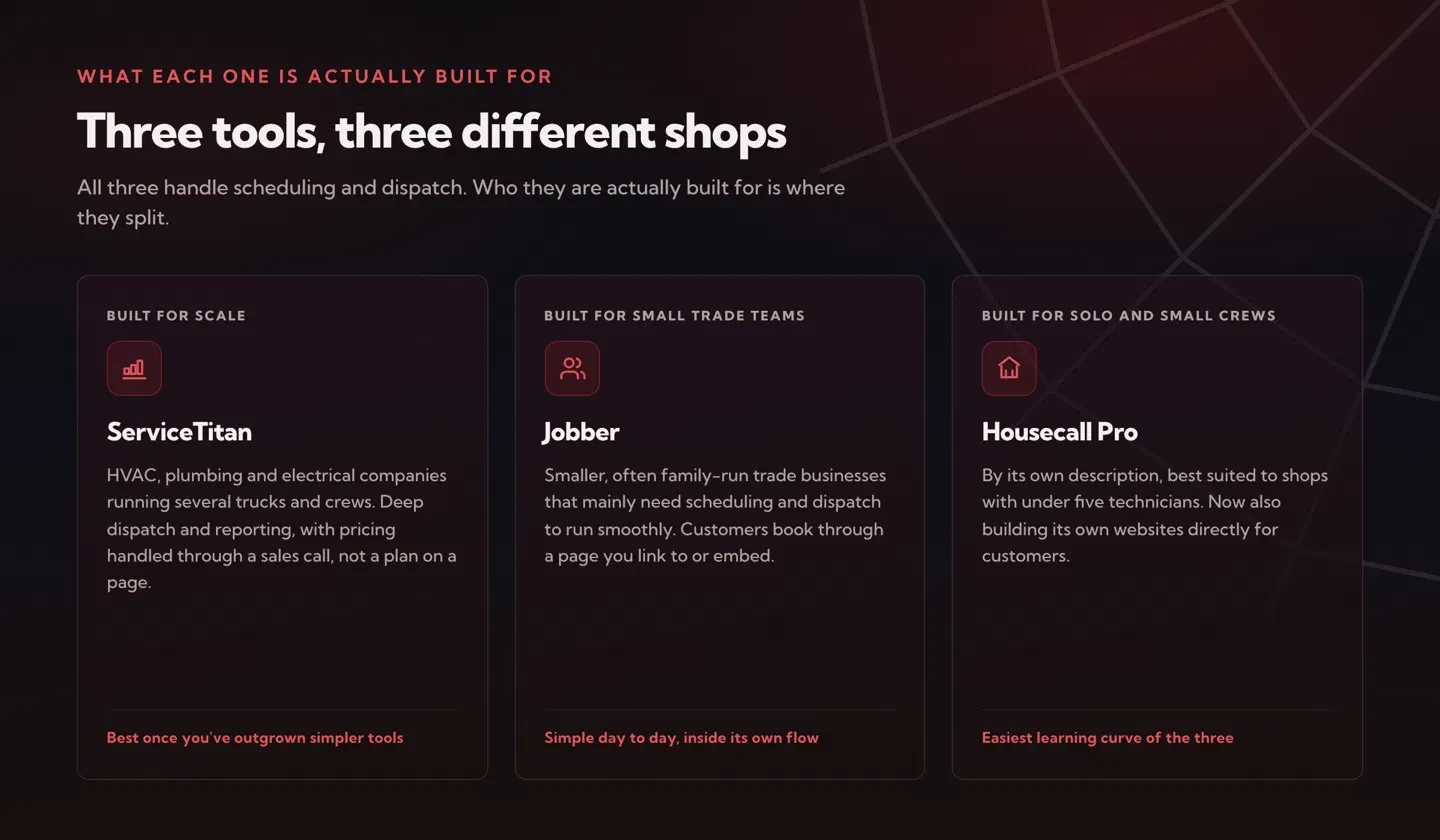
All three handle scheduling and dispatch. Who they are built for is where they split, and that is the part worth getting right before you sign anything.
ServiceTitan: built for scale
ServiceTitan is built for HVAC, plumbing, and electrical companies that are scaling up, running several trucks and crews, not a single owner-operator. It goes deep on dispatch, reporting, and back-office work like syncing with QuickBooks and phone systems. That depth is also why it asks for a real investment of both money and setup time, with pricing handled through a sales conversation rather than a plan listed on a page. It earns that investment once a business has outgrown simpler tools, not before.
Jobber: built for small trade teams
Jobber is built for smaller, often family-run trade businesses that mainly need scheduling and dispatch to run smoothly. Its online booking feature lets a customer pick a service, see your real availability, and book straight into your calendar, with Jobber automatically assigning whichever team member is free. It is a genuinely useful tool, built around a bookable page you link to or embed, rather than something woven into a custom-designed site.
Housecall Pro: built for solo operators and small crews
Housecall Pro leans toward solo operators and small crews, a segment most independent reviews point to as its sweet spot, even though its own marketing now talks about serving teams of any size. Its online booking works the same way, a customer schedules through the Housecall Pro system itself. It has also started building its own websites for customers directly, which says a lot about how it expects most small shops to get online in the first place.
So which one actually talks to your website
Here is the honest answer: none of the three were built to plug cleanly into a website you already have and love. Each one wants the booking to happen inside its own system, through its own page or widget, with your website playing a supporting role at best.
That is not really a flaw. Each one makes its money by keeping your scheduling, your customers, and your data inside its own ecosystem, so building a wide-open door to any website you choose was never the priority. Getting a job scheduled and a crew dispatched is the job these tools solve, not winning the click that happens before any of that.
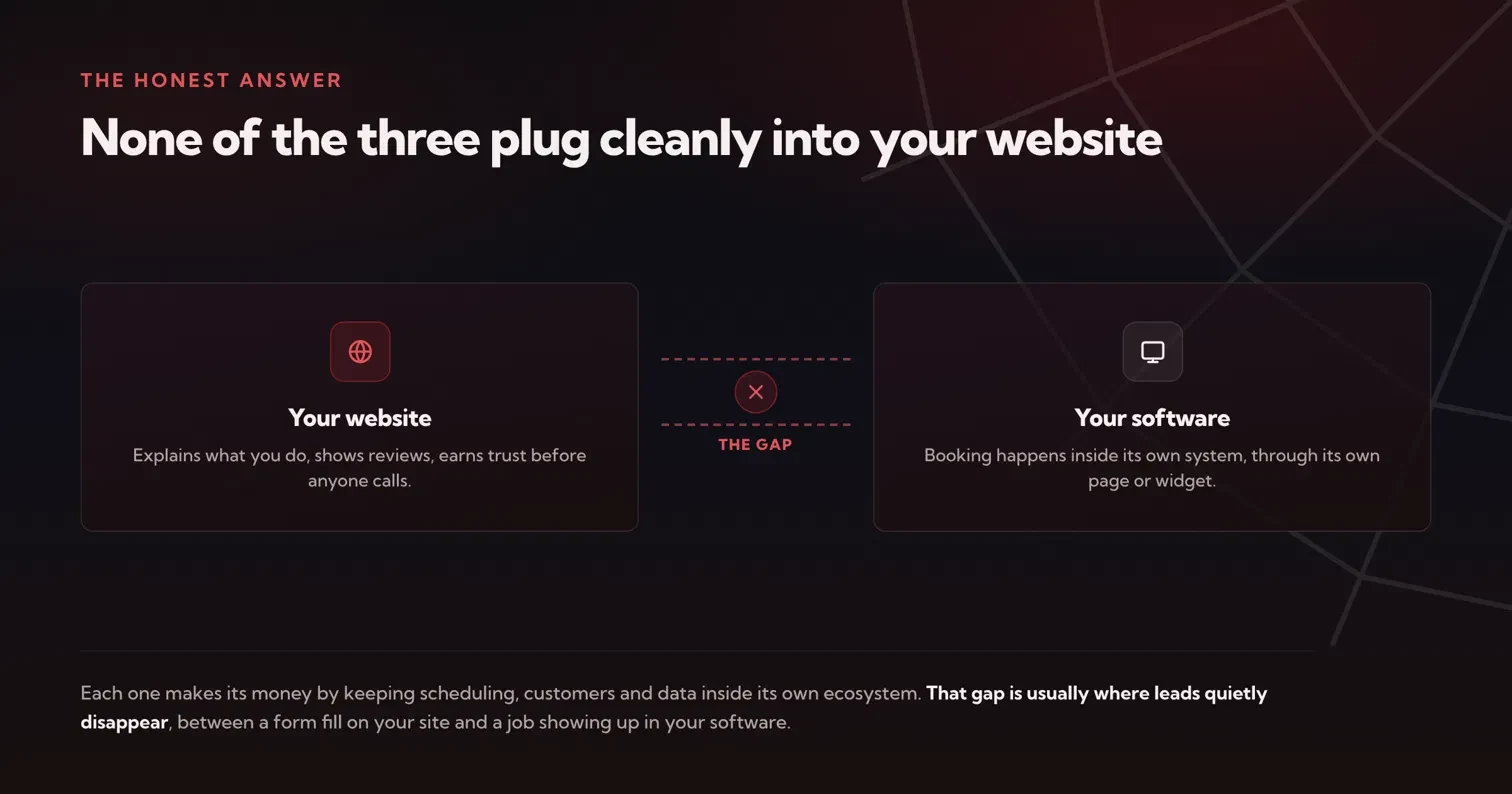
If your website is just a business card with a phone number on it, any of the three will get the job scheduled once someone finally calls. But if you have put real work into a website that explains what you do, shows your reviews, and earns someone's trust before they ever pick up the phone, you want that visitor's information landing straight in your software the moment they fill out a form, not a day later when someone gets around to typing it in. That gap, between a good website and a good piece of field service software, is usually where leads quietly disappear.
Matching the software to your business
Which one fits depends on your size and your back office, not on which brand you have heard of most.
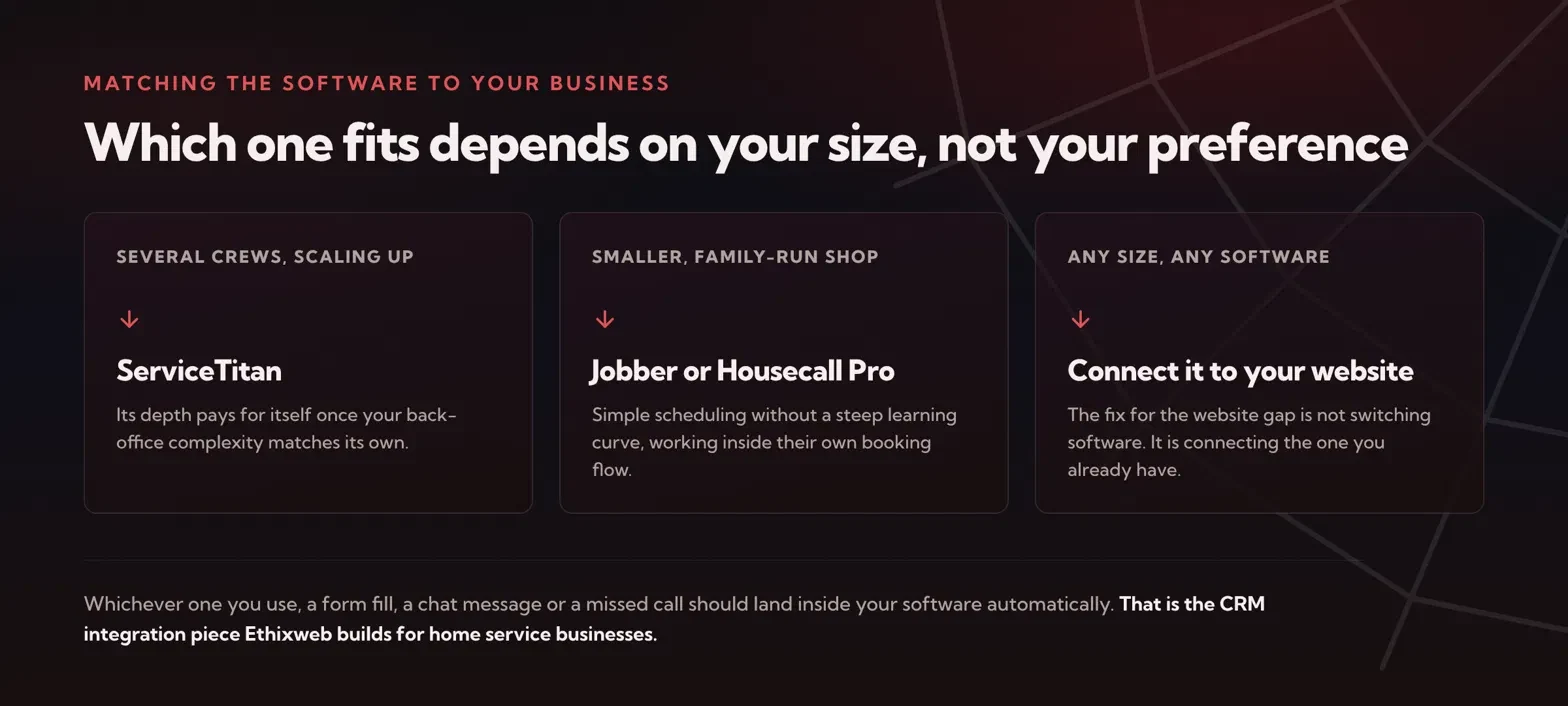
If you are running several crews and already have the back-office complexity to match, ServiceTitan's depth will likely pay for itself, and it is worth asking any web or marketing partner whether they can work with its data rather than around it.
If you are a smaller shop that wants simple scheduling without a steep learning curve, Jobber or Housecall Pro will probably feel easier day to day. The trade-off is the same for both: you are working inside their booking flow, not yours. Before you commit to either, it is worth asking whether they offer an open way for other tools to read and write your job data, since that is what decides whether your website can ever talk to it directly.
Whichever one you use, the fix for the website gap is not switching software. It is connecting the one you already have to the website you already have, so a form fill, a chat message, or a missed call turns into a lead inside your software automatically, instead of a note someone has to remember to enter before it gets forgotten.
Five questions to ask before you commit
Whether you are choosing your first system or thinking about moving, these are the questions that decide whether your website and your software will ever work as one thing:
- Can a form on my own website create a job or a customer record automatically? Ask for the specific mechanism, not a yes. An API, a webhook or a supported Zapier path all count. "You can embed our booking widget" does not.
- Who owns the customer list, and can I export it in full? You want your customers to be portable the day you outgrow the tool, contact details and job history included.
- Does it capture the lead even when nobody books? Most people who visit a contractor site never complete a booking flow. The ones who call, chat or half-fill a form are still leads, and they need somewhere to land.
- How fast does the team actually see a new lead? A record created in the system is worthless if nobody is notified for four hours. Ask what the alert looks like on a phone.
- What does it cost once I add the crew I plan to hire? Per-user pricing changes the maths quickly. Price the business you will be in twelve months, not the one you are in today.
What connecting the two actually looks like
In practice, closing the gap is a handful of small, unglamorous connections, and every one of them removes a place where a job can go missing:
- Forms write straight into your software. A quote request on your site creates the customer and the job in ServiceTitan, Jobber or Housecall Pro, with the service type and address already filled in.
- Missed calls get answered anyway. An AI receptionist picks up what your team cannot, takes the details and books the visit, so an after-hours call is a lead rather than a voicemail. We wrote about that in missed calls and the AI receptionist.
- The source of each job is recorded. With call tracking wired in, every job in your software knows which page, ad or campaign produced it.
- Your team gets one place to work. No second inbox, no spreadsheet, no retyping. The software they already open every morning is where the new work appears.
None of that requires replacing the tool you spent months setting up. It is plumbing between two systems that were each built to be good at one half of the job.
That is the piece Ethixweb builds for home service businesses: CRM integration that connects your existing ServiceTitan, Jobber, or Housecall Pro account to your website, so every lead lands where your team already works, without anyone retyping a thing. It is part of how we approach HVAC and plumbing marketing and the websites we build around it.
If you want to know whether your current setup is actually catching what your website brings in, get in touch and we will take a look together.